
LIST OF BEST WEBSITES WHICH ARE VERY USEFUL :
1- Canva
- User-friendly
interface - Easy to use drag-and-drop design tools.
- Templates
- A large library of pre-designed templates for various design types,
including flyers, posters, social media posts, and more.
- Stock
photos and images - Access to a library of over 1 million stock photos,
illustrations, and graphics.

- Custom
fonts - Ability to upload and use custom fonts in designs.
- Text
and graphic design elements - Wide selection of text styles, shapes, and
graphic elements to use in designs.
- Collaboration
- Option to collaborate with others on designs in real-time.
- Image
resizing - Ability to resize designs for various use cases, such as social
media posts or print materials.
- Background
remover - Tool to remove the background from photos and images.
- Animations
- Ability to add animations to designs for social media and presentations.
- Print-ready exports - Option to export designs in high-resolution format for printing.
2-Otter
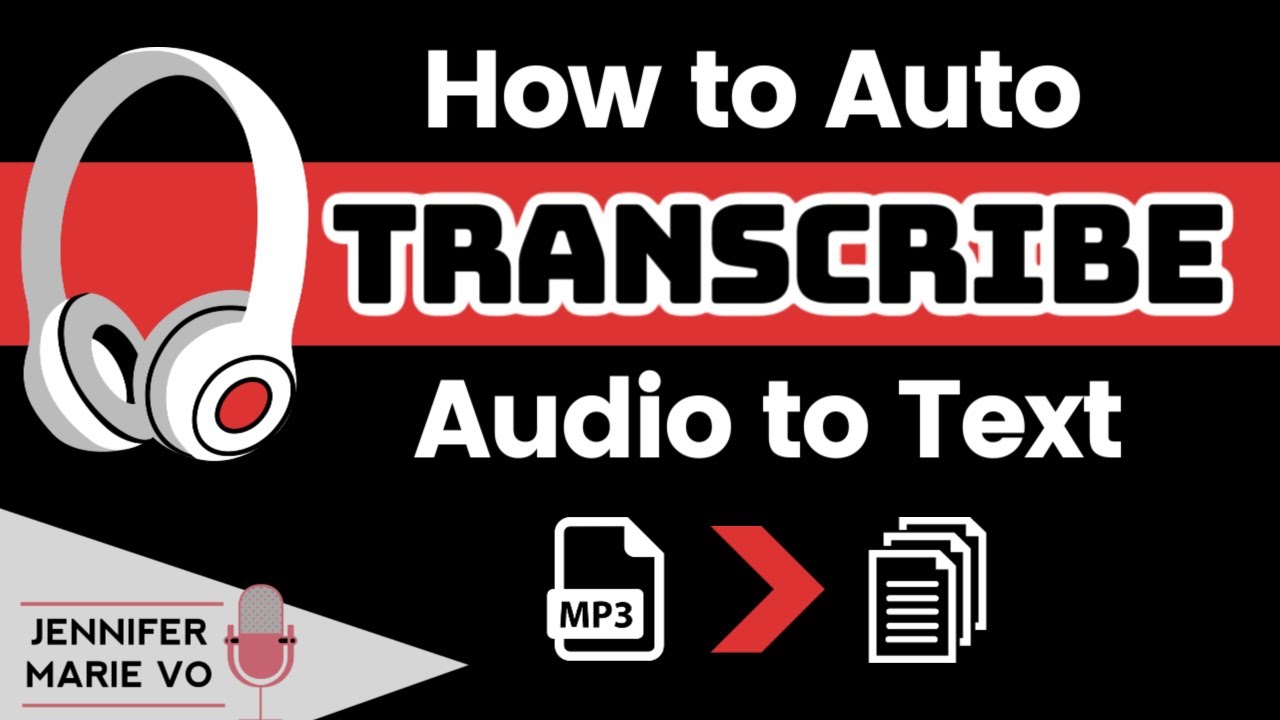
is an AI-powered note-taking and meeting transcription platform. It uses speech recognition technology to transcribe audio or video recordings of meetings, lectures, or conversations in real-time.
1 account = 90 minutes of free transcribe . create 2nd account for other free 90 minutes duration of conversion for free.
you can earn by providing this service of transcribing om FIVER, upwork etc.
The platform
also offers features such as automatic summarization, speaker identification,
and the ability to search within transcripts. The goal of Otter is to help
people save time and increase productivity by allowing them to quickly and
accurately capture the important information from their meetings.
3-Cutout Pro
is a photo editing software that allows you to remove the background of an image and replace it with a transparent or solid color background.
There are some of its features given below:
- Advanced
automatic background removal: Cutout Pro uses advanced algorithms to
accurately and quickly remove the background of an image.
- Customizable
brush tools: The software comes with customizable brush tools that allow
you to fine-tune the background removal process.
- Layers
and masks: Cutout Pro supports layers and masks, which give you more
control over your edits and make it easier to make changes to specific
parts of an image.
- Background
replacement: You can easily replace the removed background with a
transparent or solid color background, or even a different image.
- Easy
export: The software allows you to easily export your edited images in a
variety of file formats, including PNG, JPG, and TIFF.
- Batch processing: Cutout Pro allows you to process multiple images at once, saving you time and effort.
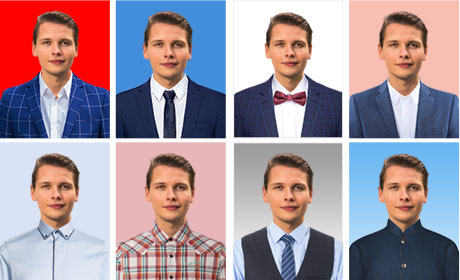
- CUTOUT PRO is used to convert your image into Passport size picture . The astonishing passport suit changer with fashion for men and women allows you to choose a wide range of styles and templates of suit/ outfit to trial with.
www.Free-Counters.org

0 Comments